One Dock, Every Display
Keep app switching predictable with a persistent dock where you need it, especially on secondary monitors.
 DupliDock
Keep your dock behavior stable across monitors, reduce context switching, and stay focused on real work.
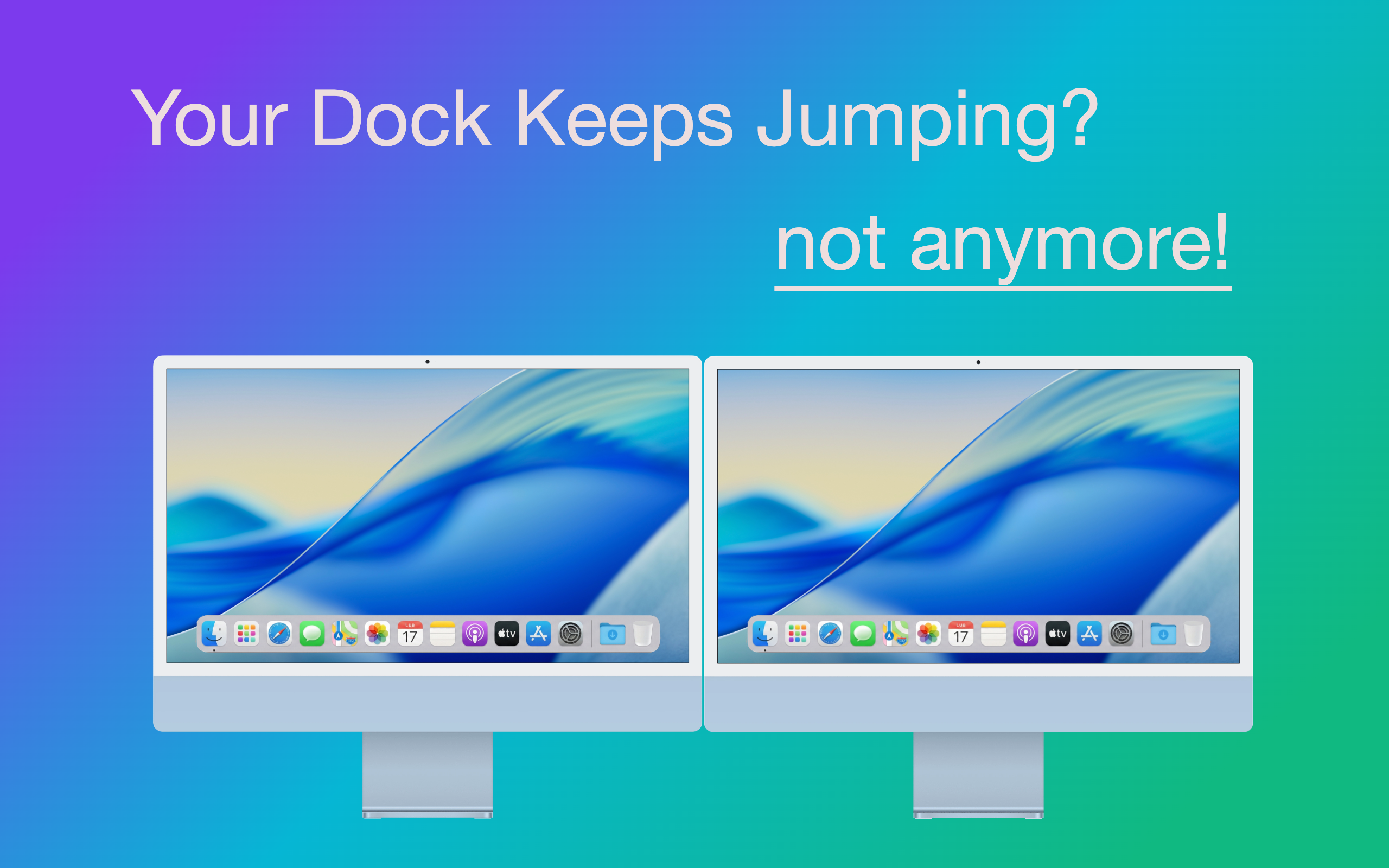
It's incredibly frustrating when the macOS dock accidentally jumps between monitors, unexpectedly resizing your active applications and breaking your workflow. DupliDock fixes this instantly. By enforcing a separate dock on each display, the constant, distracting dock-swapping and accidental screen resizing are gone for good.
Keep app switching predictable with a persistent dock where you need it, especially on secondary monitors.
Designed to feel at home on macOS with smooth motion, polished visuals, and zero setup friction.
Built-in activation and update checks keep your install secure, current, and easy to maintain.
Download DupliDock and launch it in seconds.
Enter your license key once to unlock all features.
Work across multiple screens without dock-jumping distractions.
Yes. The app checks for new versions and prompts you when an update is available.
No subscription is required. Licensing is managed with a one-time key flow.
Absolutely. We offer a no-questions-asked refund policy. You can request a full refund within 14 days of purchase by sending an email to support@duplidock.app.
First of all, please check your email. You should have received it after completing your payment. Make sure to also check your Spam or Junk folder.
If you still can't find it, please send an email to support@duplidock.app.
Questions? support@duplidock.app